 Spreadsheet Confession
Building an Equipment and Asset Register People Actually Keep Current
How to track laptops, tools and vehicles with assignments, check-in/check-out and maintenance, plus the habits that keep the register accurate.
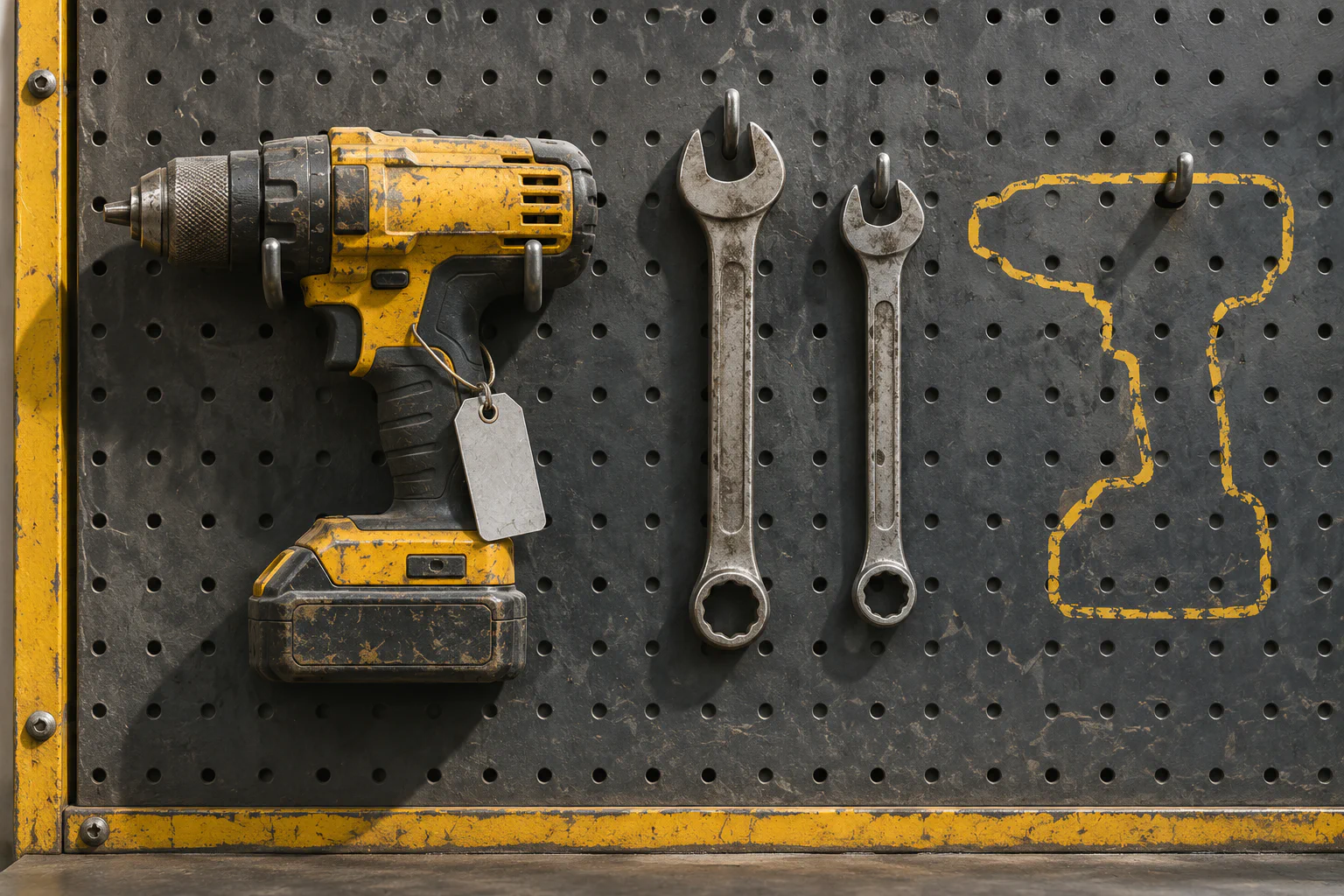
Somebody leaves the company and IT asks where their laptop is. The asset spreadsheet says it belongs to a person who left two years ago. The van that was “in for service” in row 48 has been back on the road since spring, and three cordless drills are listed against a site that closed.
Nobody lied to the spreadsheet. It simply stopped being told things. An asset register is only useful if it is current, and staying current depends far more on process than on columns.
Why asset spreadsheets go stale
The typical asset sheet has one row per item and a column called “Assigned to” or “Location”. When something moves, someone is supposed to overwrite that cell. That design has three problems.
First, overwriting destroys history. You can see where the laptop is now (supposedly) but not who had it before, which matters the moment something turns up damaged.
Second, updating the sheet is a separate chore from the physical act of handing something over. The handover happens at a desk or a loading bay; the spreadsheet lives on a laptop in the office. The chore gets skipped.
Third, nobody is accountable for any given row. When everyone can edit everything, nobody feels responsible for anything.
Separate the thing from what happens to it
The fix borrows an idea from From Rows to Records: How to Think About Your Data Like an Application. Instead of one row that keeps changing, you keep two kinds of record.
- Assets. One record per physical thing: a unique asset ID, type, make and model, serial number, purchase date, cost, warranty end date and current status.
- Movements. One record every time an asset changes hands or location: which asset, from whom or where, to whom or where, date, and who recorded it.
The asset’s current holder is then worked out from its most recent movement, rather than typed in. You get the present and the full history from the same data, and nobody has to remember to update two places.
Add a third record type for maintenance events: servicing, repairs, inspections and calibrations, each with a date, cost, notes and next due date. For vehicles and safety equipment this is often the part an insurer or auditor will ask about.
Statuses that mean something
Resist the temptation to let people type whatever they like into a status field. A small, fixed set works for most organisations:
| Status | Meaning |
|---|---|
| In stock | Available, not assigned |
| Assigned | With a named person or site |
| In repair | Out of service, with a known reason |
| Lost | Cannot be located after a search |
| Retired | Disposed of, sold or written off |
The value of fixed statuses shows up in reporting. “How many laptops are sitting in stock?” becomes a filter rather than an argument. Replacing the “Status” Column: Designing Real Workflows with States and Transitions covers how to add rules, such as only allowing “Retired” once a disposal reason is recorded.
Make check-out part of the handover
The single biggest factor in register accuracy is whether recording a movement happens at the same moment as the physical handover. If it is a separate task for later, it will be forgotten.
Practical ways to do that:
- Labels with a scannable code on each asset, linking straight to its record. Scanning opens a short check-in or check-out form on a phone.
- A two-field form. Asset (pre-filled from the scan) and the person receiving it. Date and the person recording it are captured automatically. Anything longer and people will stop using it.
- Shared equipment stations with a tablet next to the tool cage, so the warehouse lead can record a drill going out in five seconds.
- No handover without a record. For high-value items, the person issuing the laptop does not hand it over until the form is submitted. This is a habit, not a technology, and it is the one that matters.
Say a 40-person field services firm issues and returns tools 30 times a week. If each record takes ten seconds at the cage, that is five minutes a week. If it takes a trip back to the office to update a spreadsheet, it simply does not happen.
Tie the register to the people process
Most asset leakage happens at two moments: when someone joins and when someone leaves. If your register is disconnected from those events, it will drift.
Link assets to people records, so that anyone looking at an employee can see everything currently assigned to them. Then make the offboarding checklist pull that list automatically: “Return laptop SN-4471, phone SN-2290, van keys V-07.” Employee Onboarding and Offboarding: A Process That Doesn’t Forget Anything goes into the wider checklist; the register’s job is to supply the list of what needs to come back.
The same applies to site closures and project ends. When a job finishes, the equipment assigned to that site should appear on someone’s list to collect.
Let the tool do the remembering
Once assets and maintenance events are records with dates, reminders become cheap:
- Warranty expiring in 60 days, so the owner can decide whether to extend.
- Vehicle service or safety inspection due in two weeks.
- Laptop older than four years, flagged for replacement planning.
- Asset checked out to a contractor for more than 30 days.
Keep these targeted. A weekly summary to the asset owner beats a flood of individual alerts. Automations That Actually Save Time (And the Ones That Just Create Noise) has more on avoiding the second kind.
Audit the register, lightly and often
Even with good habits, reality drifts. Rather than an annual stocktake that eats a week, run small, frequent checks:
- Each month, ask every manager to confirm the list of assets assigned to their team. A short view with a “confirm” button per person is enough.
- Each quarter, physically spot-check a random sample of 20 items against their recorded location.
- Anything that cannot be found after a search moves to “Lost”, with a note, rather than lingering as “Assigned” forever.
Track the spot-check hit rate over time. If 19 of 20 items are where the register says, it is working. If it is 12 of 20, look at where the handovers are failing before adding more fields.
Where to start this week
- Pick one asset category that causes the most pain, such as laptops or vehicles, and leave the rest in the old sheet for now.
- Give every item in that category a unique ID and a physical label, even if the label is a printed sticker.
- Build the two-field check-in/check-out form and put it where handovers actually happen.
- Ask each manager to confirm their team’s current list once, which gives you a clean starting point to record movements from.