 Spreadsheet Confession
Inventory Without Tears: Moving Stock Tracking Out of a Spreadsheet
Track items, locations and stock movements as separate records so stock levels are calculated, not typed, with reorder points and stocktakes that work.
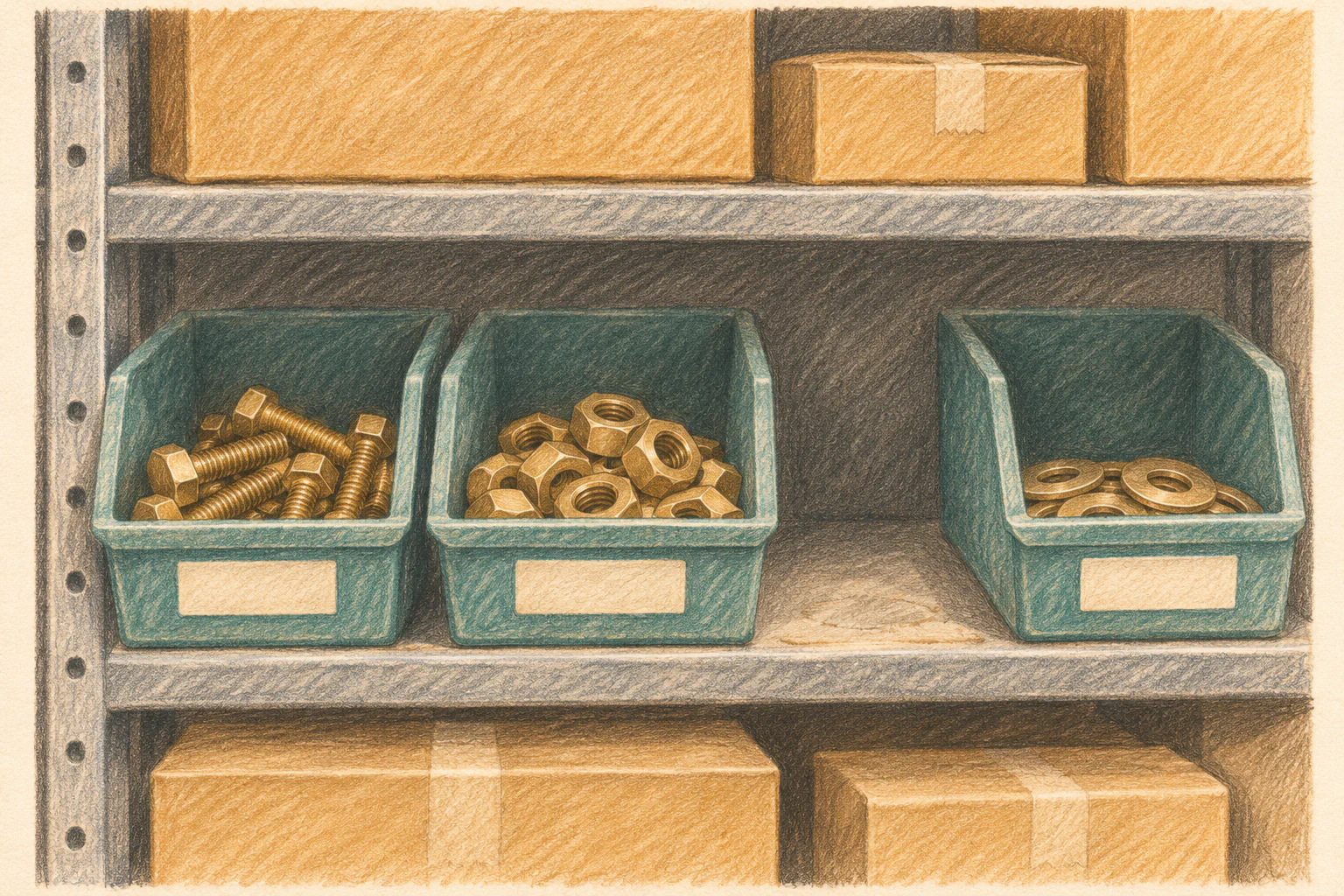
The stock sheet says you have 140 boxes of M6 bolts. The shelf says 62. Somewhere between the two is a forklift driver who updated the wrong row, a sales rep who reserved stock by typing “-20 (for Hendricks)” into a cell, and a formula someone overwrote with a number in March.
Nobody is lying. The spreadsheet is just being asked to remember a history it was never told.
The core problem: you are typing the answer
In most inventory spreadsheets, the quantity column is the source of truth. Someone receives a delivery, does the maths in their head, and types the new total. Someone else picks an order and does the same. If either of them gets it wrong, or both edit at once, the number is wrong and there is no way to work out why.
A real inventory process flips this. You never type a stock level. You record what happened, and the stock level is calculated from that record. A bank works the same way: your balance is not a number someone edits, it is the sum of every deposit and withdrawal.
Three record types, not one tab
Following the approach in From Rows to Records: How to Think About Your Data Like an Application, split your inventory into:
- Items: what you stock. A unique item code, description, unit (each, box, metre), supplier, unit cost, reorder point and reorder quantity.
- Locations: where stock lives. Warehouse, shelf or bin, van, client site. Even a two-room operation benefits from naming its locations.
- Movements: every change in stock. Item, quantity, from location, to location, type, date, who did it, and a reference (purchase order, job number, order number).
The stock level for an item at a location is then simply the sum of movements into it minus movements out of it. Your tool calculates it. Nobody edits it.
Movement types usually come from a short fixed list:
| Movement type | From | To |
|---|---|---|
| Receipt | Supplier | Warehouse location |
| Transfer | One location | Another location |
| Issue / pick | Location | Customer, job or project |
| Return | Customer or job | Location |
| Adjustment | Location | Write-off (or the reverse) |
That last row matters. When the count is wrong, you do not fix the total. You record an adjustment with a reason (damaged, lost, miscounted, found). Now shrinkage is something you can report on rather than something that silently disappears.
Give every item a real ID
The spreadsheet probably identifies items by description: “Bolt M6 30mm zinc”, “M6 bolt 30 zinc”, “M6x30 bolts”. Three names, one item, three stock figures. Before you migrate, assign each item a stable code and merge the duplicates. Unique IDs: The Boring Field That Saves Your Migration explains why this is worth an afternoon of tedium, and Cleaning Your Spreadsheet Data Before Migration: A Practical Guide covers the deduplication itself.
If you can, print the code as a barcode or QR label on the shelf. Scanning on a phone is faster than typing and removes a whole class of errors.
Make recording a movement take ten seconds
The design that wins or loses an inventory system is the form for recording a movement. If it is slow, people will batch up their changes “for later”, and later never comes.
Aim for a form that works on a phone, with big buttons and as little typing as possible:
- Scan or pick the item.
- Location defaults to the one the person usually works in.
- Quantity is the only thing they type.
- Movement type is a set of buttons, not a dropdown buried three taps deep.
Say your warehouse handles 80 movements a day. At ten seconds each, that is under fifteen minutes of total effort spread across the team. At a minute each, it is over an hour, and people will start skipping it. Designing for People Who Aren’t at a Desk has more on this.
Reserved is not the same as gone
The “-20 (for Hendricks)” problem comes from mixing two ideas: stock you physically have, and stock you have promised. Track them separately.
Add a reservations record (item, quantity, order or job, expiry date) and show two numbers on each item: on hand, and available (on hand minus active reservations). When the order ships, the reservation closes and an issue movement is recorded. When a reservation expires unfulfilled, it simply stops counting, which beats someone remembering to delete a note in a cell.
Reorder points that actually trigger
With calculated stock levels, reordering becomes a rule instead of a habit:
- Each item has a reorder point (the level at which you need to order) and a reorder quantity.
- A saved view lists every item where available stock is at or below its reorder point.
- Once a day, an automation sends that list to the person who places orders.
Keep it to one daily summary rather than an alert per item. Automations That Actually Save Time (And the Ones That Just Create Noise) explains why a morning list beats forty pings. If you link items to suppliers, the view can group by supplier so the buyer raises one purchase order each.
Set reorder points from lead time and usage, not gut feel. If you use about 15 boxes a week and the supplier takes two weeks, you need at least 30 boxes when you order, plus a buffer for bad weeks.
Stocktakes become a check, not a rescue
In spreadsheet land, the annual stocktake is a weekend of recounting everything and overwriting the totals. With a movement history, it becomes a verification exercise.
Run cycle counts instead: count a few locations each week so the whole warehouse is covered every quarter. The person counting enters what they see. The system compares it with the calculated level and creates an adjustment for the difference, with the counter’s name and a reason. Over time, you will see which items or locations drift most, and that tells you where the process is leaking.
Where to start this week
- Pick your 50 most-used items, give each a unique code, and merge any duplicates in the current sheet.
- List your locations and agree names for them, down to shelf or bin if people genuinely look there.
- Do one physical count of those 50 items and load the results as opening-balance movements in the new tool.
- From that day on, record every movement for those items as a movement, and stop editing their quantities in the spreadsheet.